
This guide is about all the necessary steps to start playing in our tournaments. If you're interested in learning how Spins Tournament work, we recommend reading this article.
1. You register, if you haven't done so already, by clicking here. Registration is simple and takes a few seconds. If you received an invitation from an acquaintance, follow the steps from the message received.
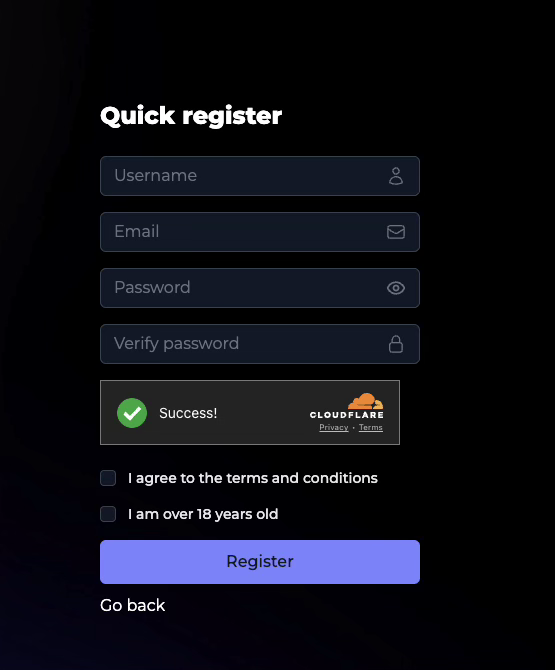
2. Once you have filled in the above fields and clicked on register, you will be redirected to the Home page. Click the "Ok, I understand" button to receive 1500 ST points that you can use to participate in tournaments. (Learn more about ST points)
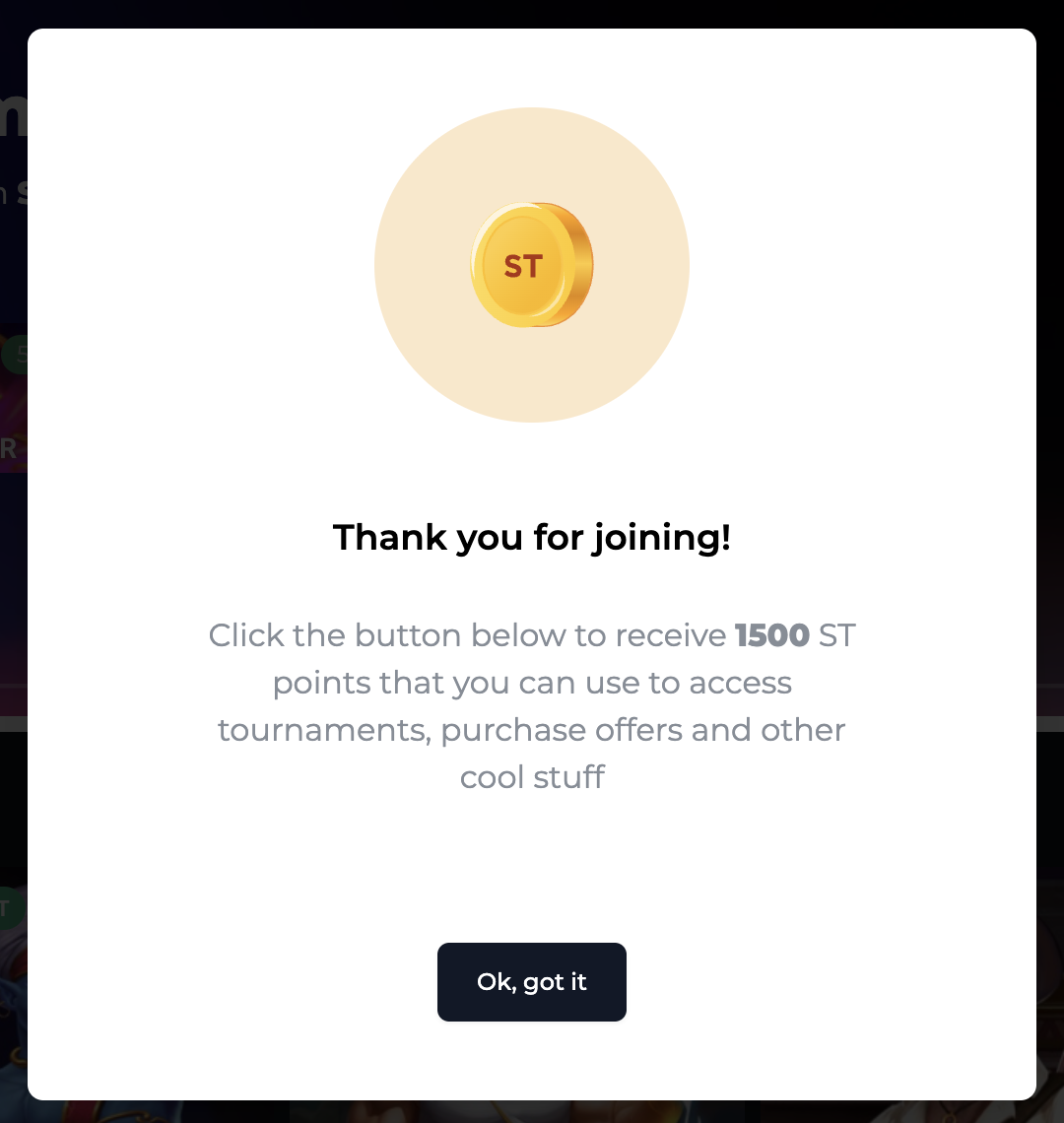
Note: You can see your ST balance at the top of the screen, on the right on desktop and on the left on mobile.
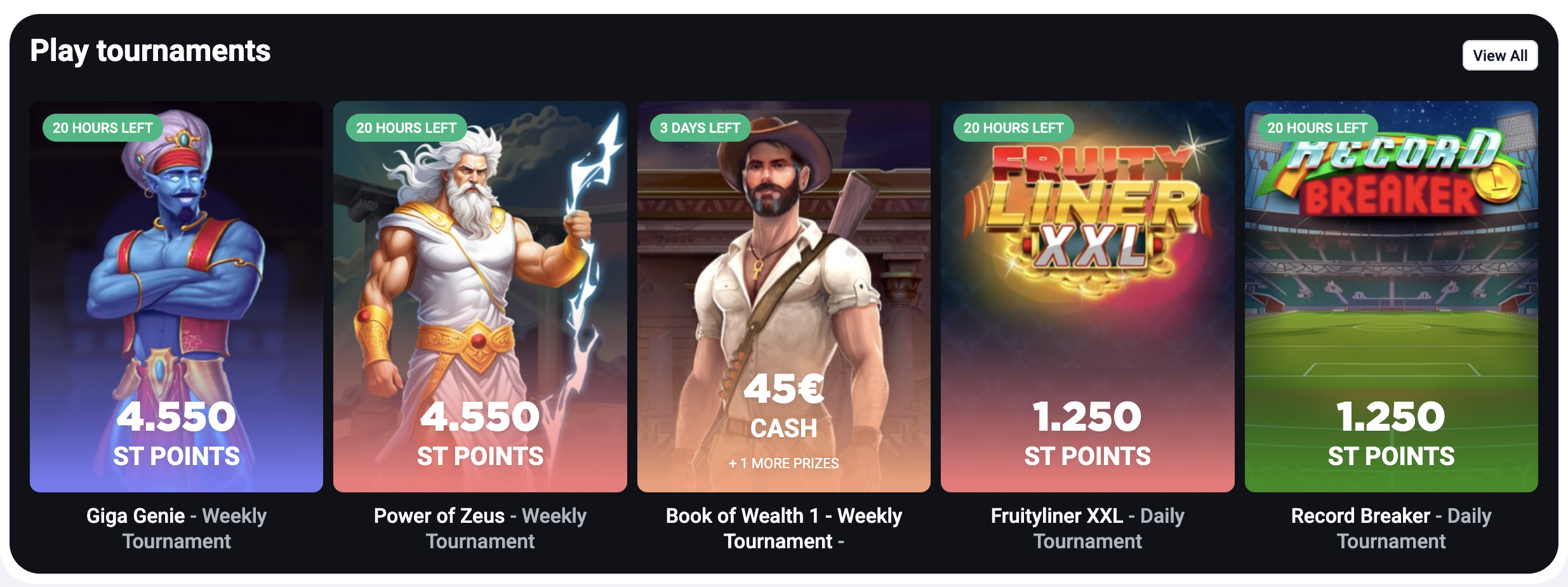
3. Once registered, the next step is to participate in a tournament. You can choose one from the Home page, or go directly to the Tournaments page. Choose one of the tournaments by clicking on it.
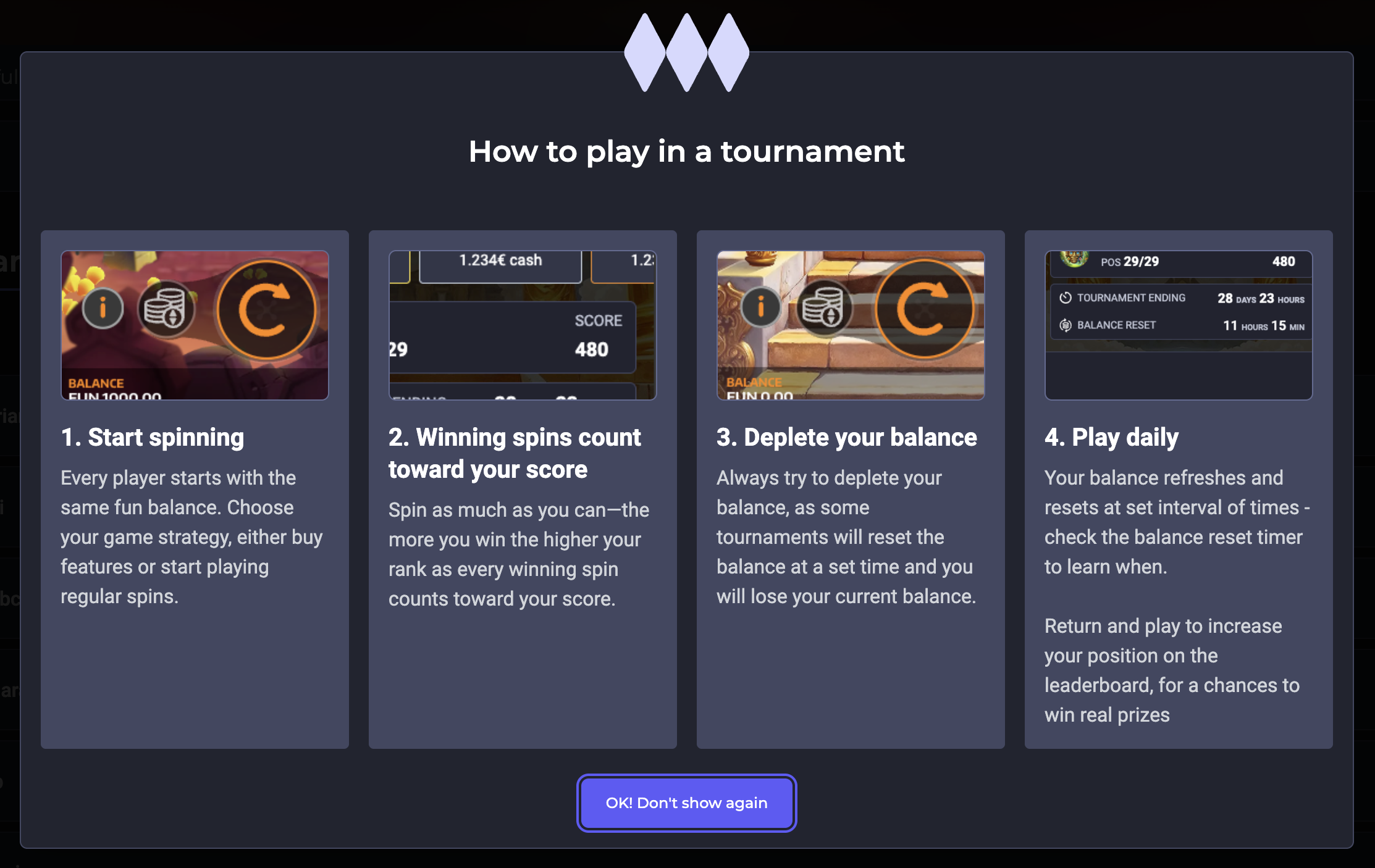
4. When you access a tournament for the first time, you will see a tutorial on how tournaments work. We recommend reading it to understand the process, but if you skipped it, it’s no problem; we will explain it here as well.
After you finish reading, you can close the tutorial by clicking the blue button.
5. Join the tournament by clicking on “Participate now…”. Some tournaments cost ST points, others have free entry. Generally, those that have real prizes will cost ST. Those that only have ST points as prizes have free entry.
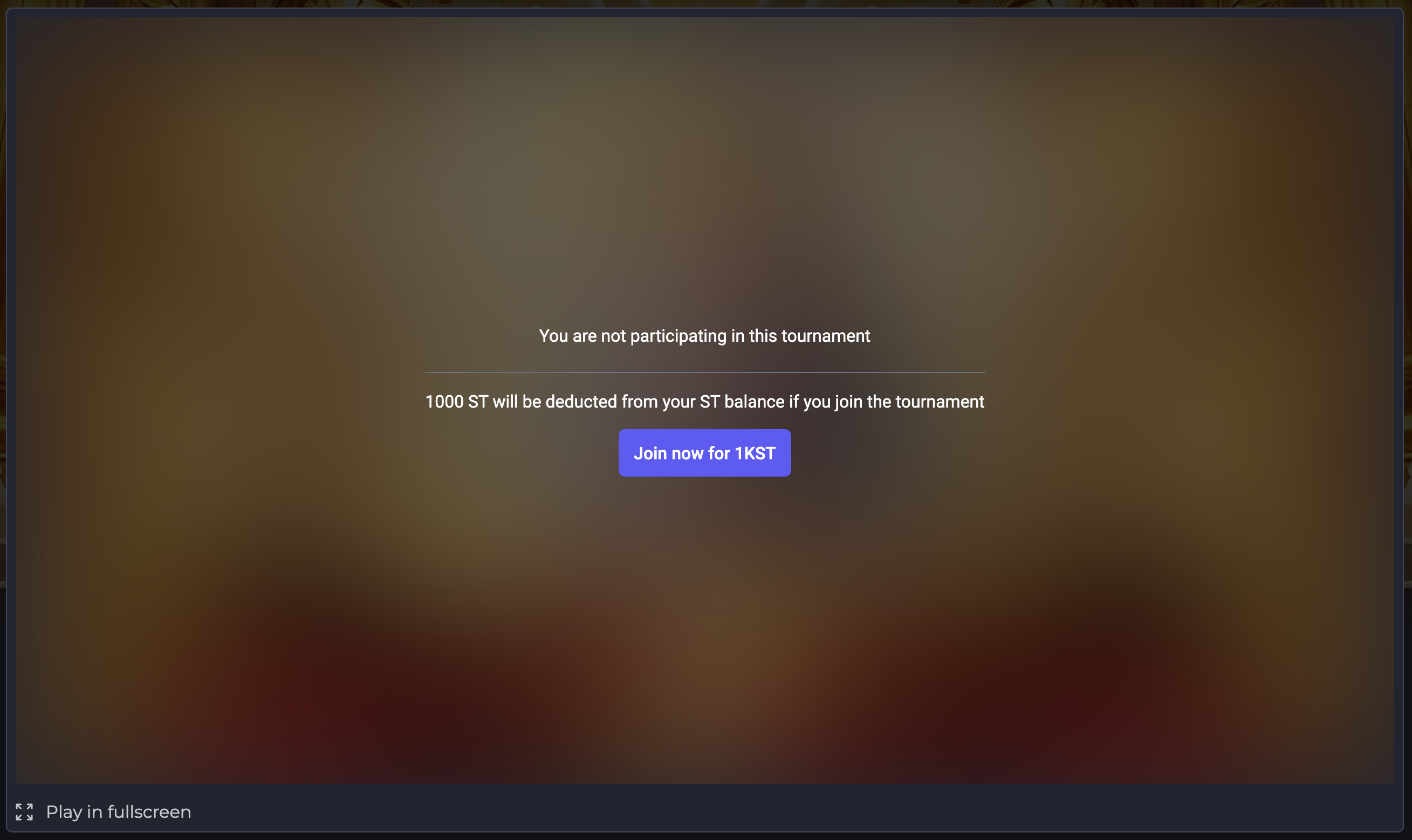
6. Congratulations! You are now participating in a tournament.
1. Start playing and making bets from your starting balance. All players start with the same balance, always!
2. Every winning hand adds to your score.
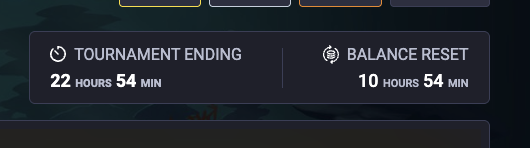
3. Always play your entire balance! Every 12 or 24 hours, the balance resets to 5000 credits.
WARNING: YOU CAN LOSE CREDITS IF YOU DO NOT PLAY YOUR ENTIRE BALANCE. NO MATTER HOW MANY CREDITS YOU HAD, YOUR CREDITS WILL BECOME 5000.
You can check when a competition ends or if it has a balance reset on the tournament page, at the top. You can find the complete legend at the end of the guide.
4. Keep playing at each balance reset and play daily in new tournaments!
5. (Optional) Spin the wheel of fortune - from the home page you can spin the wheel of fortune once every 24 hours for a chance to win real prizes or ST points.
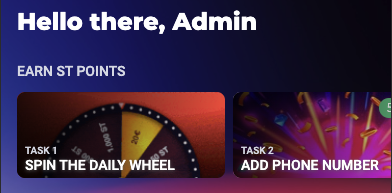
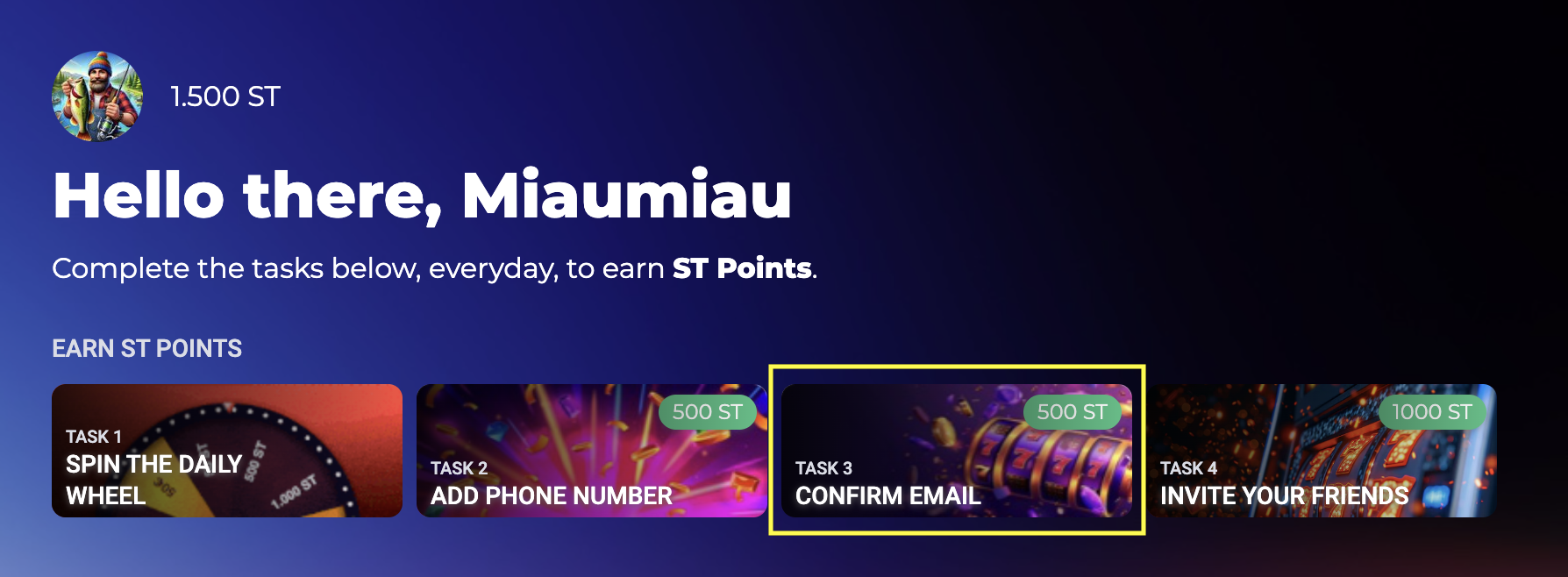
6. (Optional) Confirm your phone number for 500 ST points. From the home page, click the “Add phone number” box and go through all the steps that will appear on your screen.
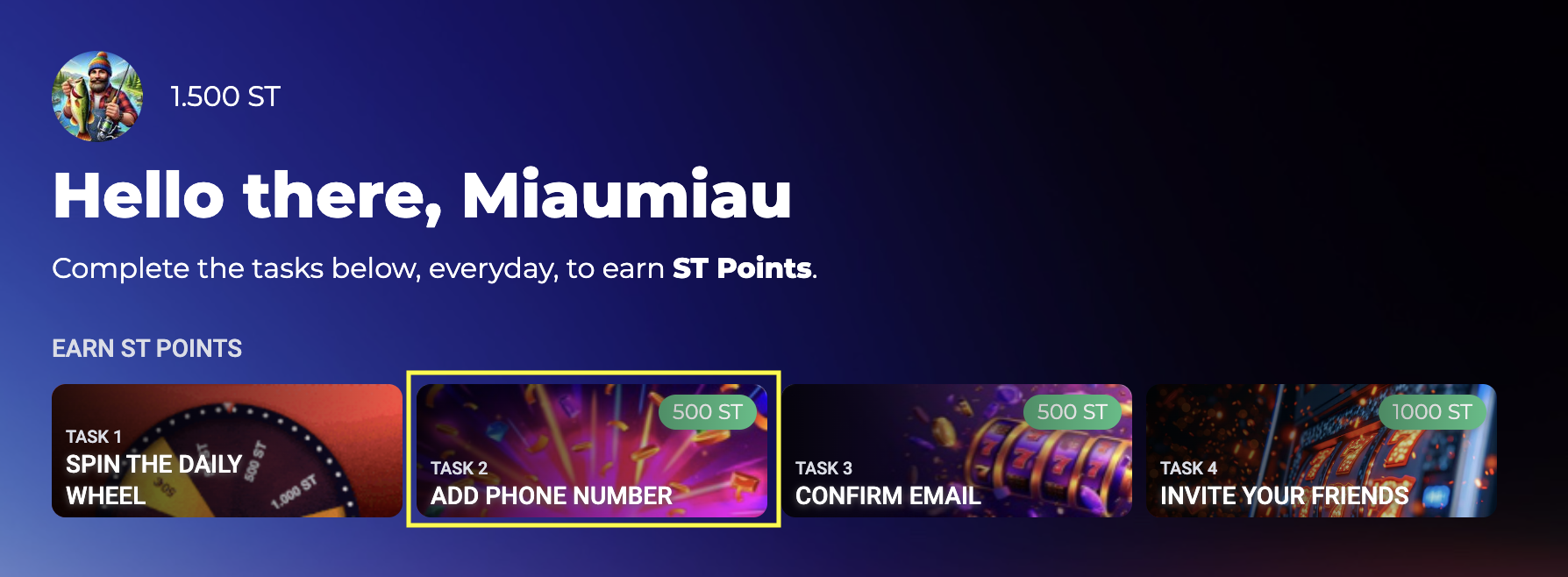
7. (Optional) Confirm your email for 500 ST points - after registration, you received an email. Click on the link in the email to confirm. Check your Junk/Spam folders as well, it may have ended up there by mistake. If you still haven't received the email, you can resend it by clicking the “Confirm email” box.
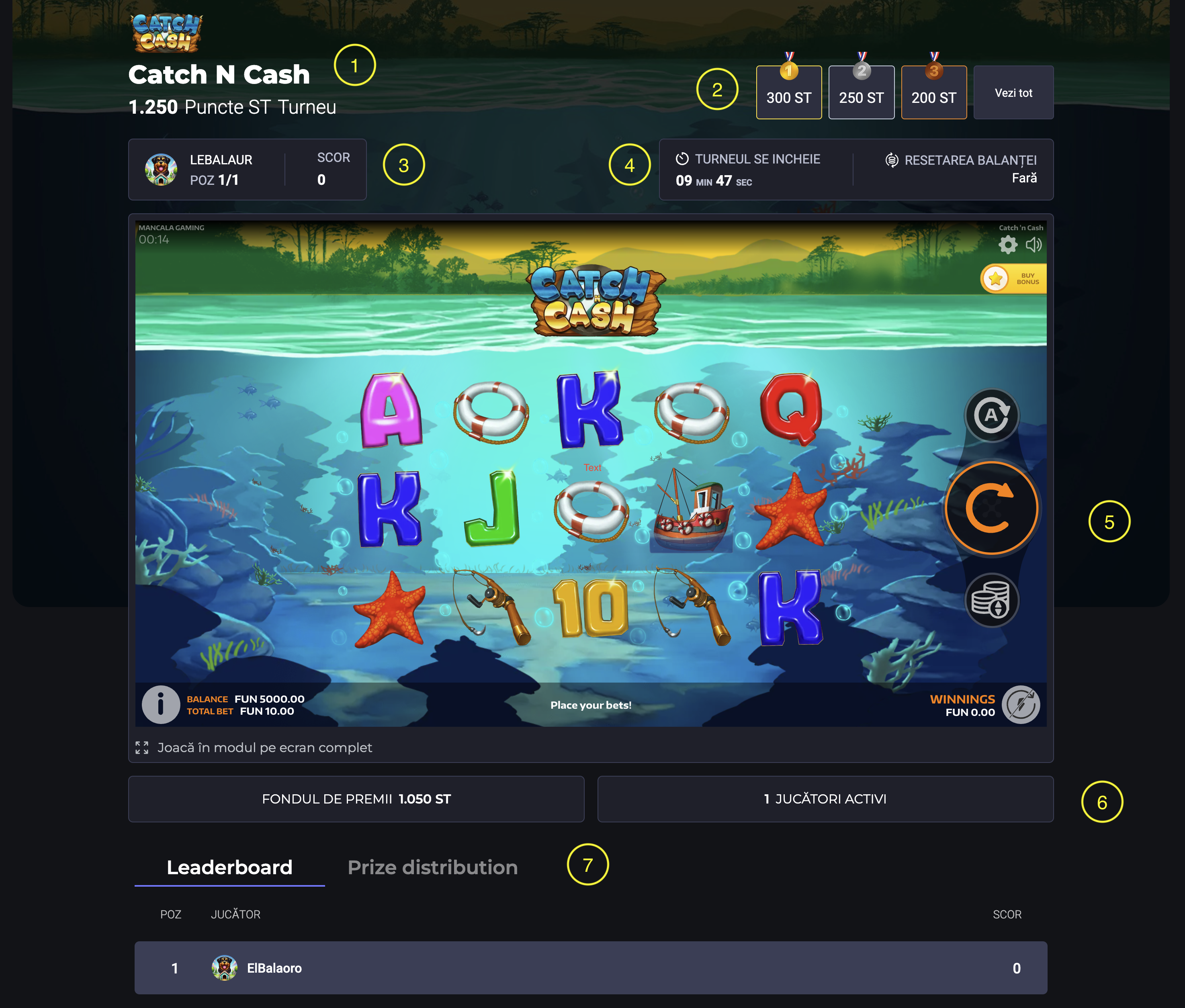
1. Tournament name and total prizes
2. Prize distribution for the top 3 places - you can click on one of the places or on see all to view all prizes.
3. Your position in the ranking and your score.
4. Time left until the tournament ends and, if the tournament has one, the time left until the balance resets. In the image above, the tournament does not have a balance reset.
5. The game window.
6. Total prize pool and number of active players.
7. The ranking and prize distribution (which place will win what)

 L2254731Y001671 | Decizia nr.591/17.07.2025